Done-for-you setup
We set it up. You start selling.
No hours of typing in products. Send us one spreadsheet and we load your whole store into Kore, then hand it over ready to sell.
Book a demo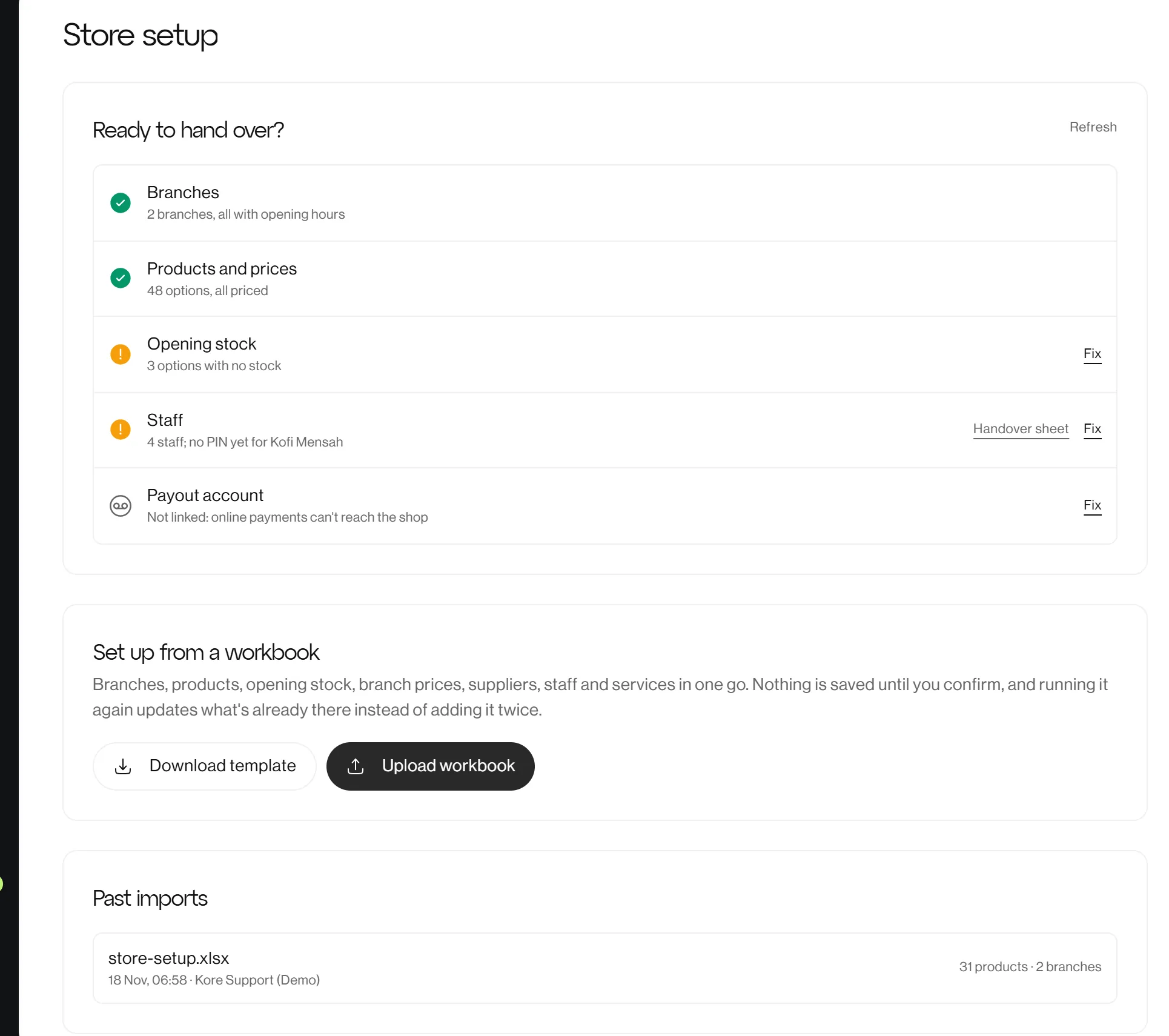
How it works
Four steps to a working store
Get the template
One spreadsheet with a sheet for each part of your store. Each column says what goes in it.
Fill in what you have
Products with their sizes and pack sizes, prices, opening stock for each branch, and photos as links or a zip.
We check and load it
Every row is checked first. Nothing is saved until it's all correct, then everything goes in at once.
We hand it over
We set each person's PIN and password, go through a handover checklist, and your store is ready to sell.
What to send
One spreadsheet, eight sheets
Fill in the ones that apply to your business. The import matches products, branches and suppliers by name, so nothing is added twice.
- Business
- Name, contacts and address
- Branches
- Shops and warehouses, with opening hours
- Products
- Every product, size and colour, with prices
- Stock
- Opening stock at each branch
- Suppliers
- Who you buy from (optional)
- Branch prices
- Where a branch charges differently (optional)
- Staff
- Each person, their role and branch (optional)
- Services
- Bookable services and who takes them (optional)
FAQ
Setup questions
Do I need to fill in every sheet?
No. Branches and products are what we need to start. Suppliers, branch prices, staff and services are optional, and you can add them later.
What if my product list is messy?
Send what you have. The import points out every row that needs fixing, sheet by sheet, before anything is saved.
Can I add more products later?
Yes. Add them in the app, or send an updated spreadsheet. Running it again updates what's there and adds what's new, without doubling your stock.
Do you need my staff passwords?
No. No passwords or PINs go in the spreadsheet. We set them when we hand the store over, and you can change them any time.